The Ultimate Guide to ATS Expansion: Free Mods and Custom Garages


Exploring the World of ATS Mods
American Truck Simulator (ATS) offers an immersive experience for simulation enthusiasts. However, to truly enhance your journey, mods are essential. These modifications can range from aesthetic changes to gameplay enhancements. Whether you're a seasoned trucker or new to the scene, understanding how to expand your ATS experience with free mods is crucial.
Mods can be found on various platforms, but the Steam Workshop is a popular choice due to its ease of use. By subscribing to mods, they are automatically updated, ensuring you always have the latest version. From custom skins to realistic weather patterns, the possibilities are endless.

Top Free Mods to Consider
While there are countless mods available, some stand out for their quality and impact on gameplay. Here are a few must-haves:
- Realistic Graphics Mod: This mod enhances the visual elements of the game, making environments more lifelike.
- Sound Fixes Pack: Improve your auditory experience with updated engine sounds and environmental noises.
- SiSL's Mega Pack: A collection of accessories and enhancements that add variety to your trucking experience.
These mods not only enrich the visual and auditory aspects of the game but also add depth to your overall experience.
Custom Garages: A Personal Touch
One of the joys of ATS is the ability to create and customize your own garages. Custom garages allow you to personalize your space, making it feel like home. With mods, you can expand these garages, adding more slots and unique designs.
To get started, search for garage expansion mods on the Steam Workshop or other mod sites. These mods can increase capacity and introduce new themes, from modern to rustic styles, making your garage a reflection of your personality.
Installing and Managing Mods
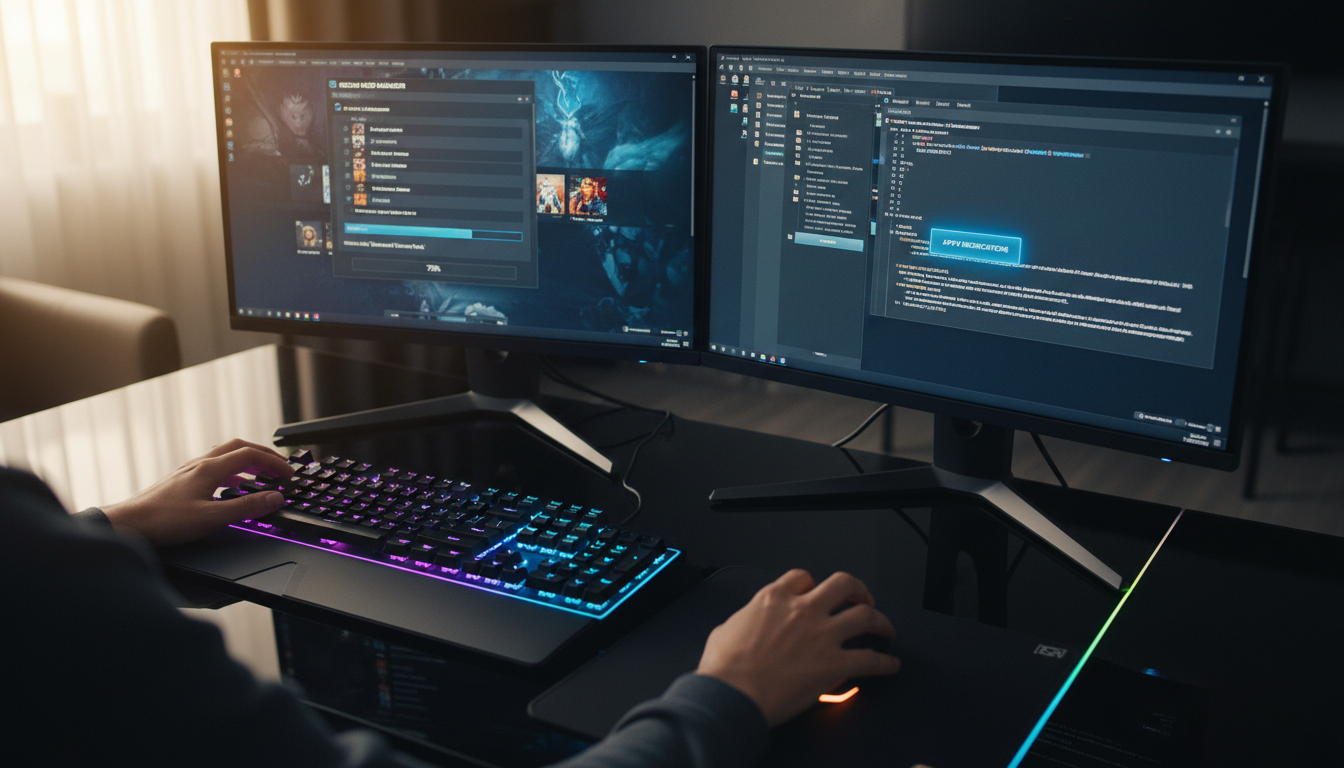
Installing mods is straightforward, especially through the Steam Workshop. Simply subscribe to the mod, and it will be added to your game. For mods outside of Steam, download the file and place it in the ATS mod folder. Always remember to activate the mod in the game menu.

Managing mods is equally important. Keep track of updates and ensure compatibility with your version of ATS. Regularly check for updates to avoid potential conflicts or issues.
Enhancing Gameplay with Community Creations
The ATS community is vibrant and constantly creating new content. Besides mods, you can find user-created skins, maps, and challenges. Engaging with the community through forums and social media can introduce you to hidden gems and enhance your trucking adventures.
From realistic traffic patterns to new routes, community creations provide endless opportunities to expand and enjoy ATS. Embrace these modifications, and you'll find your trucking experience more rewarding and engaging than ever before.